Posts
Write once. Reach readers everywhere.
Write a post in Arabic and English, publish it on your profile, email it to your subscribers, or both. Then see who read, opened and clicked.
No credit card · Arabic and English · Cancel anytime
How it works
From idea to inbox
Write your post, choose where it goes, and publish now or later.
-
 01
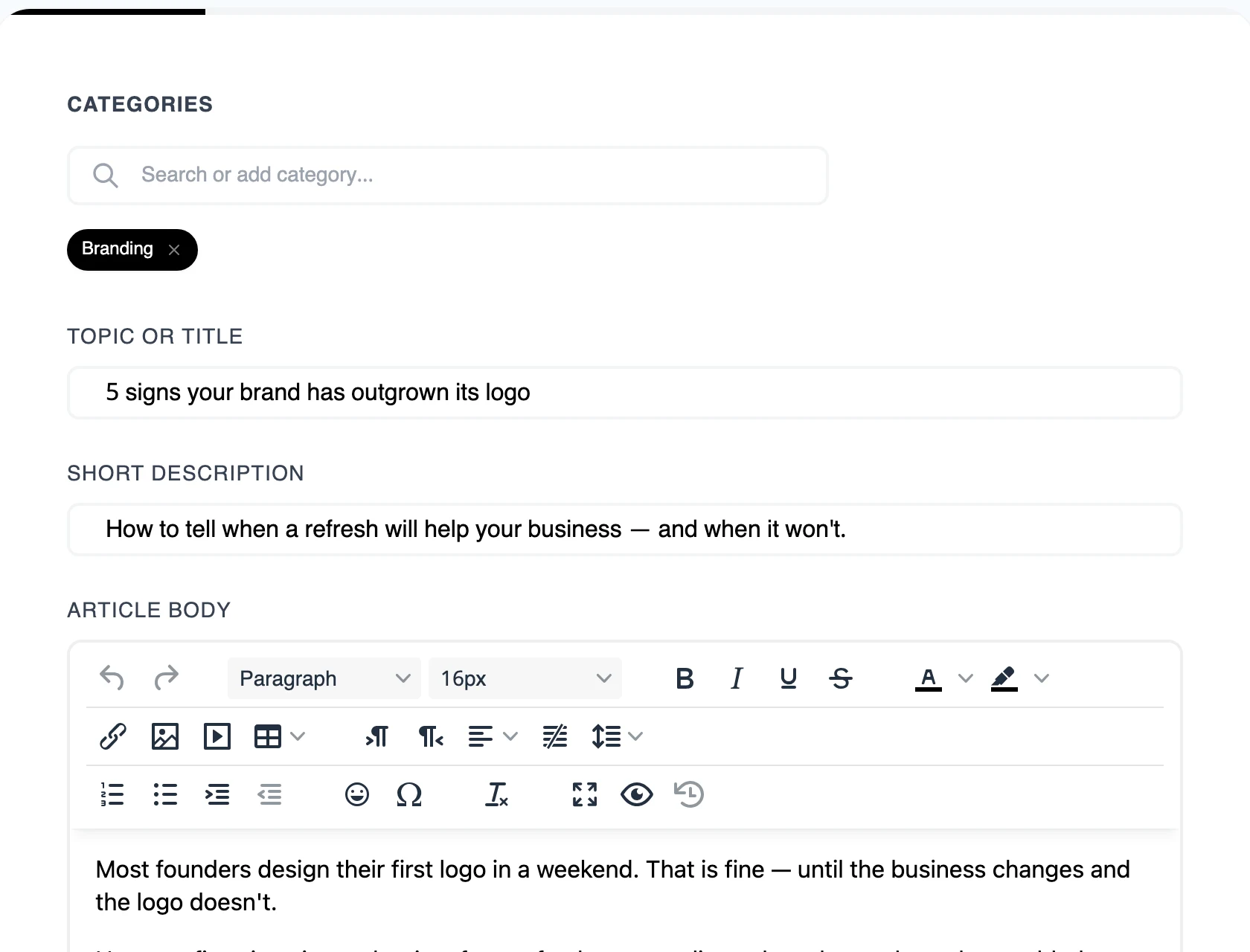
Write your post
Title, description and body in a clean editor, in English and Arabic.
-
Web onlyWeb + Email02
Choose where it goes
Publish on your profile only, or on your profile and to your subscribers by email.
-
Tomorrow, 9:00 Schedule03
Publish or schedule
Go live right away, pick a date and time, or keep it as a draft.
Write
An editor that stays out of the way
A guided builder takes you from the first word to a published post, one step at a time.
- Arabic and English fields
- Separate title, description, body and search details for each language.
- Rich content
- Headings, images, video and tables when you need more than words.
- Categories
- Group posts by topic, and each category gets a page of its own.
- Drafts
- Save as you go and come back when you're ready.
Newsletter
Your post, in their inbox
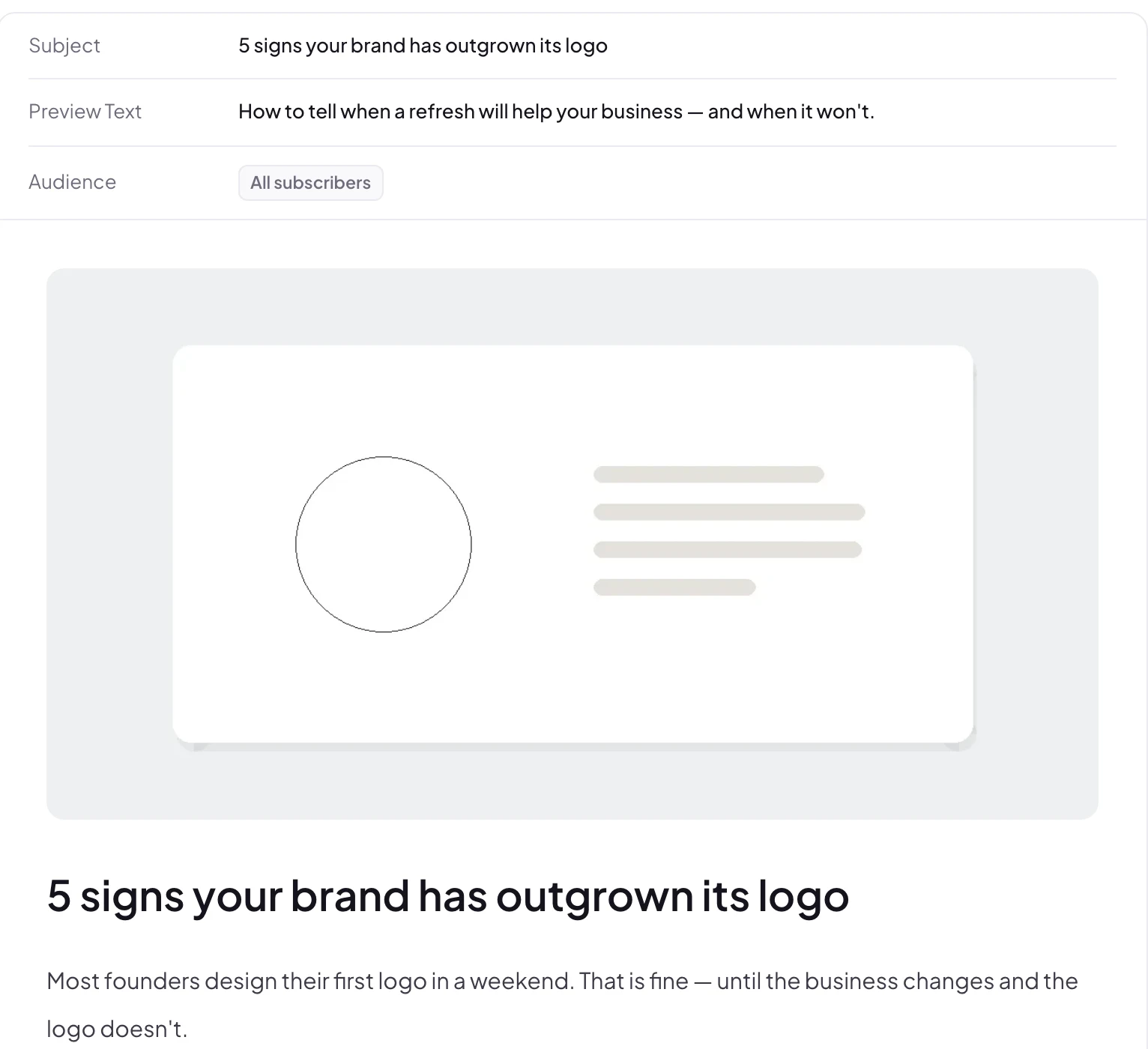
Publish a post as Web + Email and it goes to your subscribers as a newsletter.
- All or selected subscribers
- Send to your whole list or pick who gets it.
- Subject and preview text
- Write the line people see in their inbox before they open.
- Sent once, never twice
- Each post is emailed a single time, so nobody gets a repeat.
- A size check for Gmail
- A gauge warns you before Gmail would cut a long email short.
Performance
Know what your readers liked
Every post shows how it did on your profile and in the inbox.

Web views
How many people read the post on your profile.
Opens and open rate
How many subscribers opened the email.
Clicks
Who clicked through, and the click rate.
Arabic and English
One post, two languages
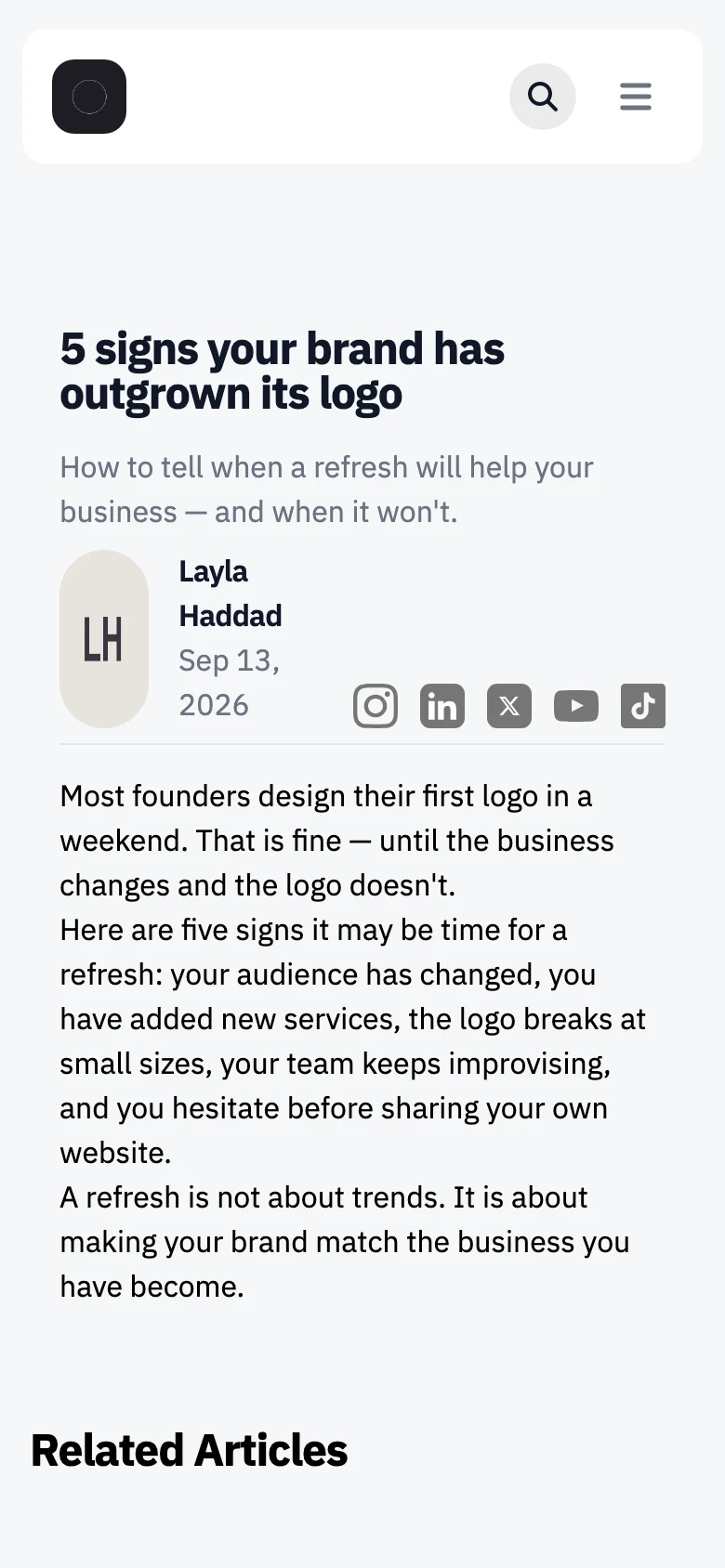
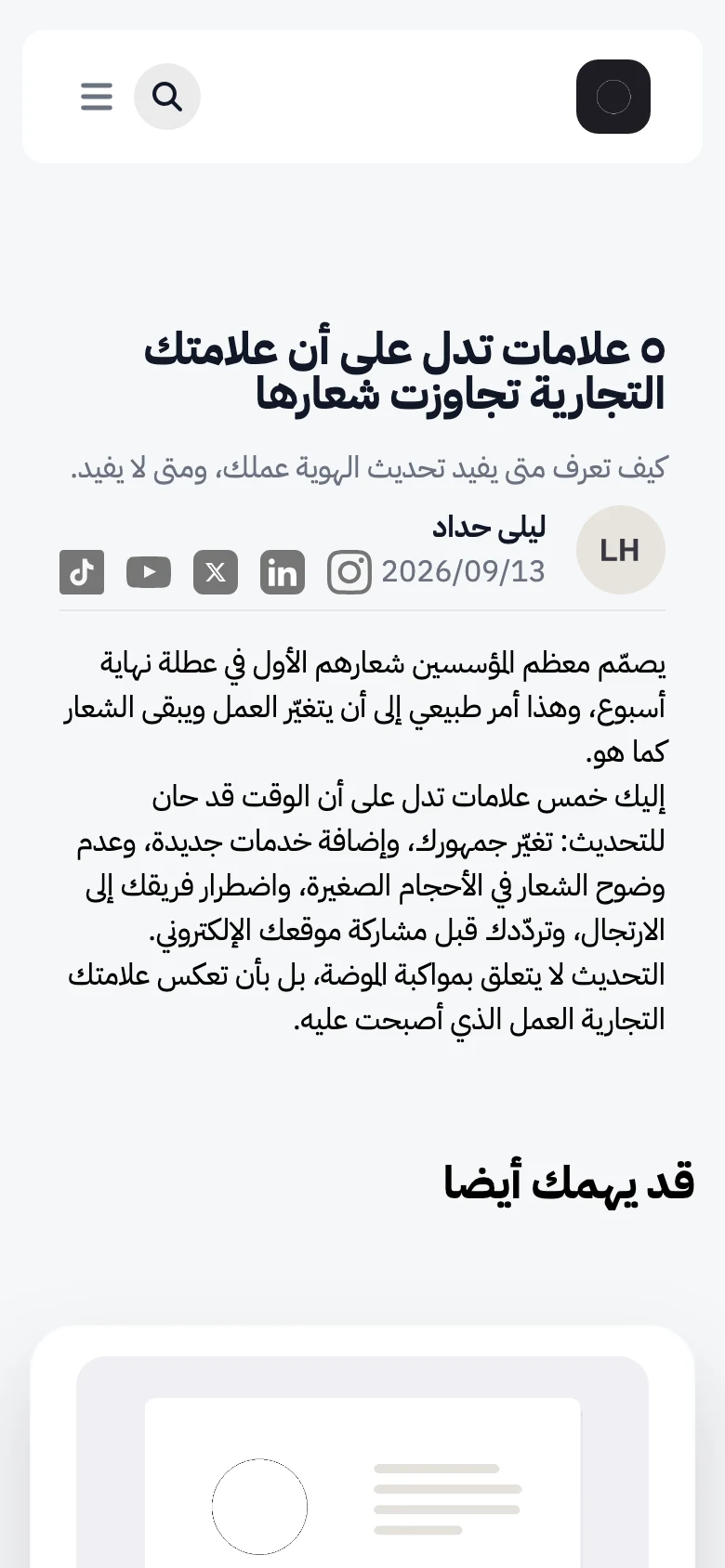
Reach readers in the language they prefer, without running two blogs.
- Both languages, one post
- Write each version side by side in the same post.
- Search details for each
- Separate meta titles and descriptions in Arabic and English.
- Right-to-left done properly
- Arabic posts read naturally from right to left.
Manage
All your posts at a glance
Totals, drafts and scheduled posts at the top, every post below with its status and views.
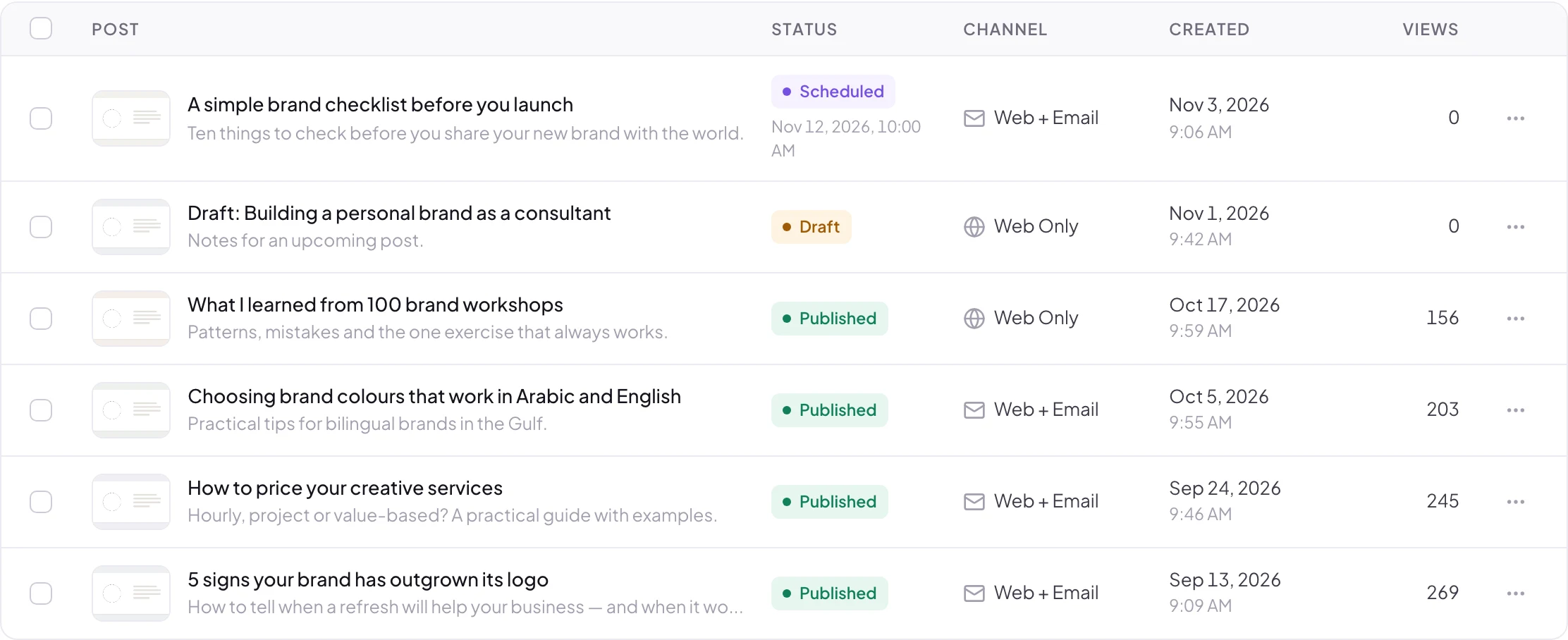
Status
Published, draft or scheduled, clearly marked.
Channel
See which posts went out by email too.
Views
Spot your most-read posts in seconds.
And there's more
Small things that help posts get found
Custom URL
Choose a clean, readable address for every post.
Thumbnail
The image shown in lists and when the post is shared.
Search preview
Meta title and description, with a preview of the search result.
Category pages
Every category gets its own page on your profile.
Related articles
Readers see more posts at the end of each one.
In your calendar
Scheduled posts appear in your Profily calendar.
Can I send newsletters?
Yes. Publish a post as Web + Email and it is emailed to all your subscribers or the ones you select. Each post is emailed once.
Can I schedule posts?
Yes. Pick a date and time, and the post is published for you then. You can also save it as a draft.
Can I write in Arabic and English?
Yes. Each post has separate Arabic and English fields for the title, description, body and search details.
How many posts can I publish?
It depends on your plan. See Pricing for the details.
Will my posts show up in search?
Each post has its own URL, meta title and description, with a preview of how it may look in search results.
Share what you know, in every language
Write your first post today and send it to your readers.
No credit card needed. Cancel anytime.